For marching band and color guard competitions
How long until your team?
Event Calendar Countdown turns a published schedule into a live clock. It shows who is on the field now, who is up next, and the time left until the team you came to see.

- Free
- iPhone, iPad and Apple TV
- No account
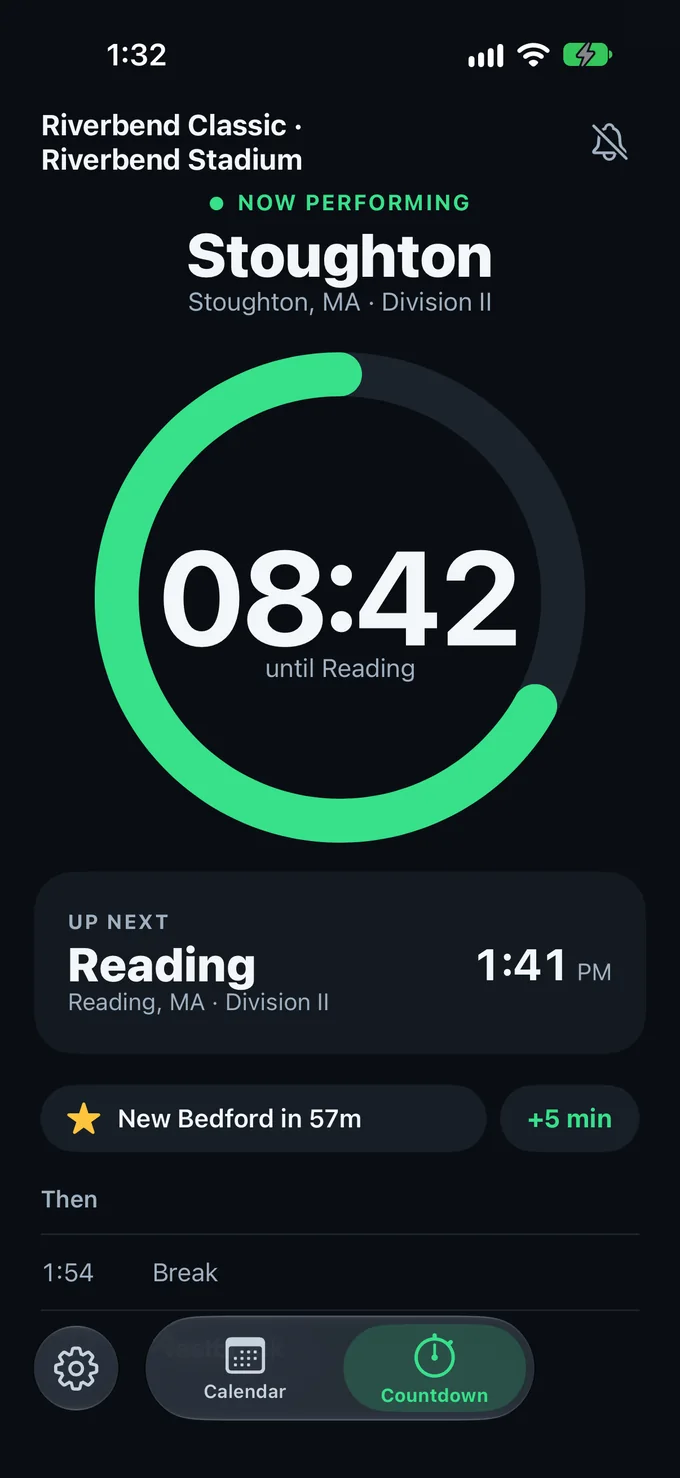
- Who is on the field?Now performing, in letters you can read from the stands.
- Who is up next?The next team and its time, with the two rows after it.
- How long until your team?One ring, unwinding to the next team.
Add a schedule three ways
Every schedule starts on a web page. The app reads it, shows you what it found, and saves nothing until you say so.
- Paste a linkTap +, then paste the schedule's link into Add Event.
- Browse EventsSet up the sites you follow in Setup, then pick an event. Schedule Posted marks the events you can add.
- Share from SafariOpen the schedule page, tap Share and choose Event Calendar Countdown.
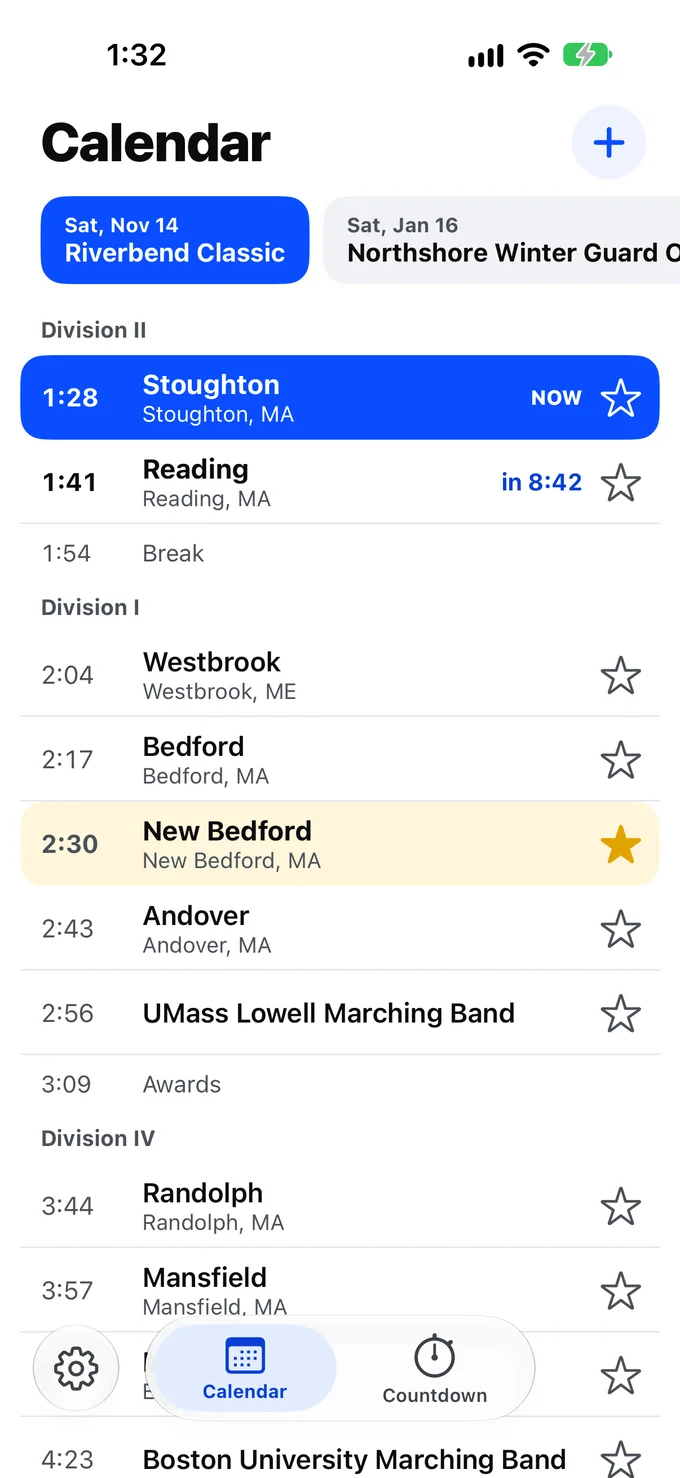
Star a school once
It stays starred at every event, and its teams stand out on every schedule, including the ones you add next season.
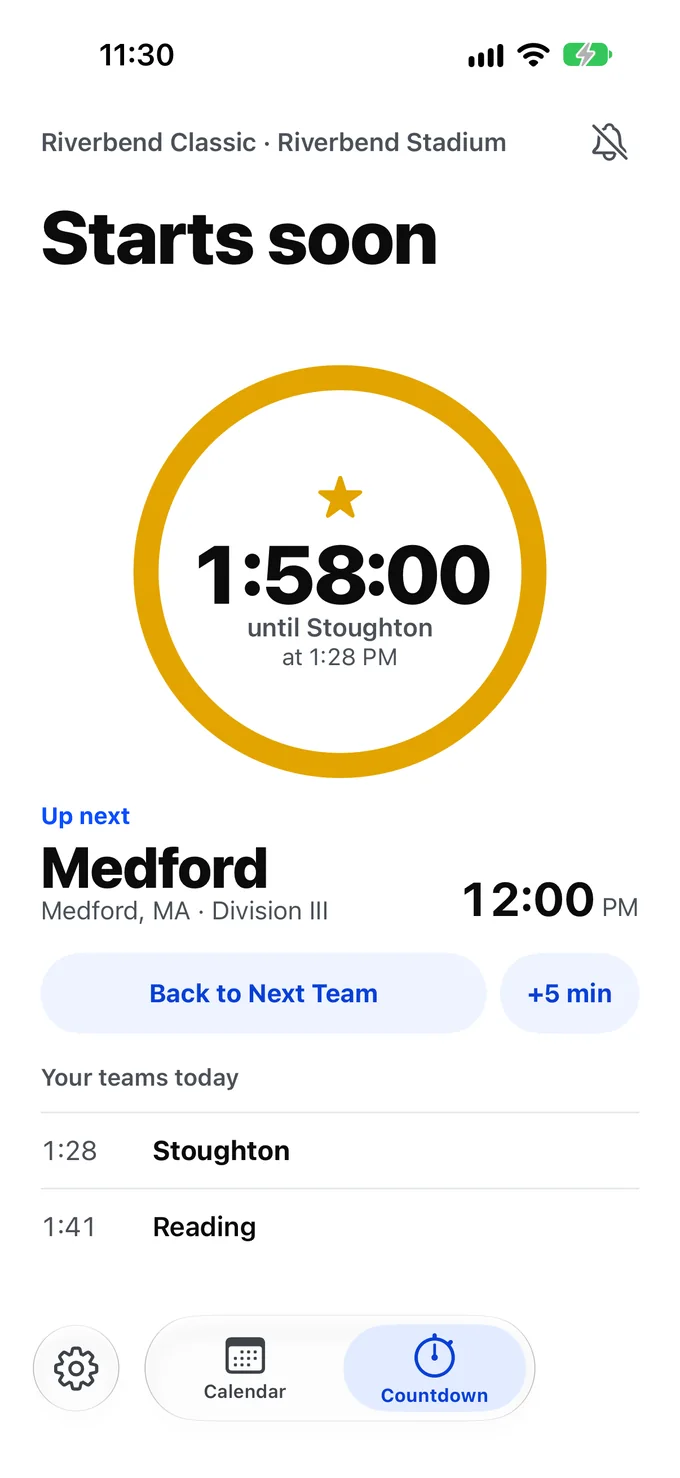
Tap the favorite chip and the ring counts to your team. Stoughton at 1:28 PM, and everything else can wait.
Know when to look up
Get a ping a few minutes before a favorite team. You choose how many minutes, and whether it covers your favorites or every team.
Events rarely run to the minute. Tap +5 min and every time, countdown and ping moves with it. Tap Back on Time when the event catches up.
Lock your iPhone in the stands and the countdown to your next favorite stays on the Lock Screen and in the Dynamic Island.
Division II
Riverbend Marching Band Classic
Three themes for the stands
A sunny afternoon and a stadium at night ask for different screens. Pick the look that suits the light.
-
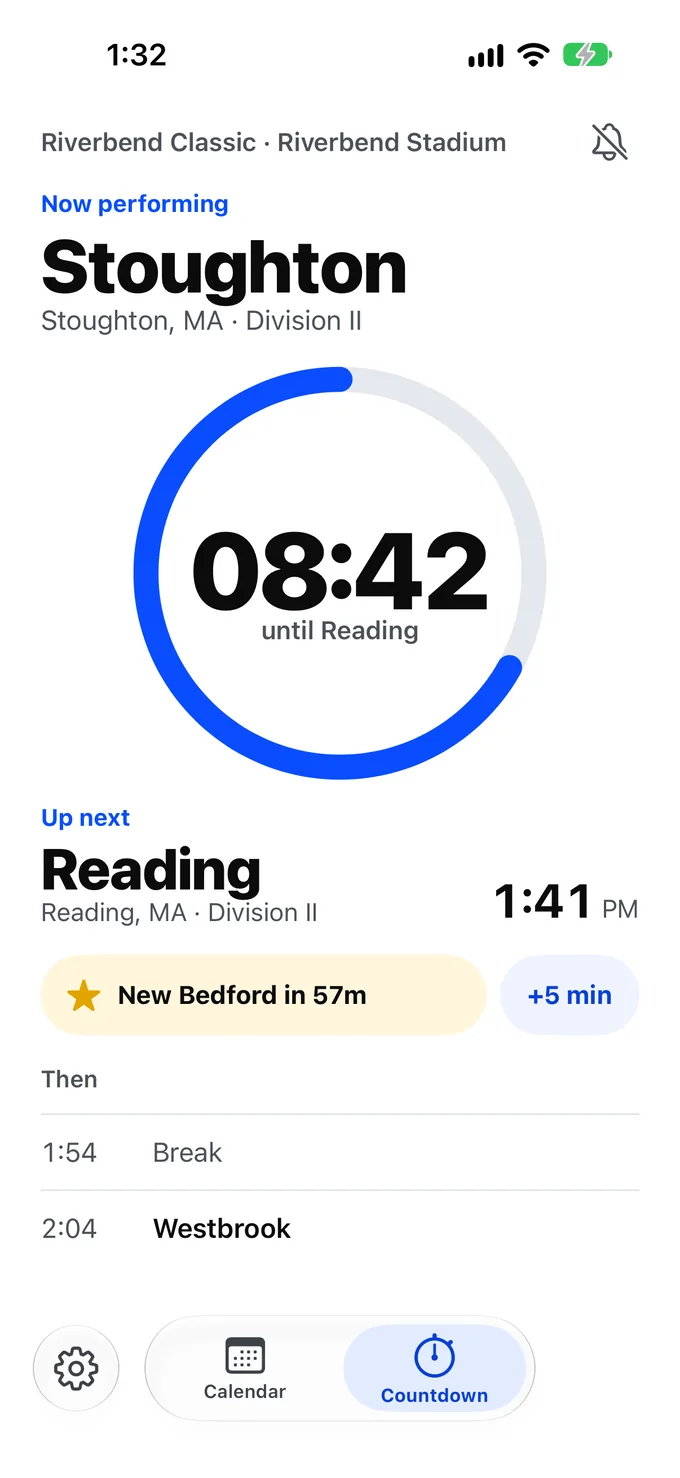
Daylight
For afternoons.
-
Field Lights
For evening performances.
-
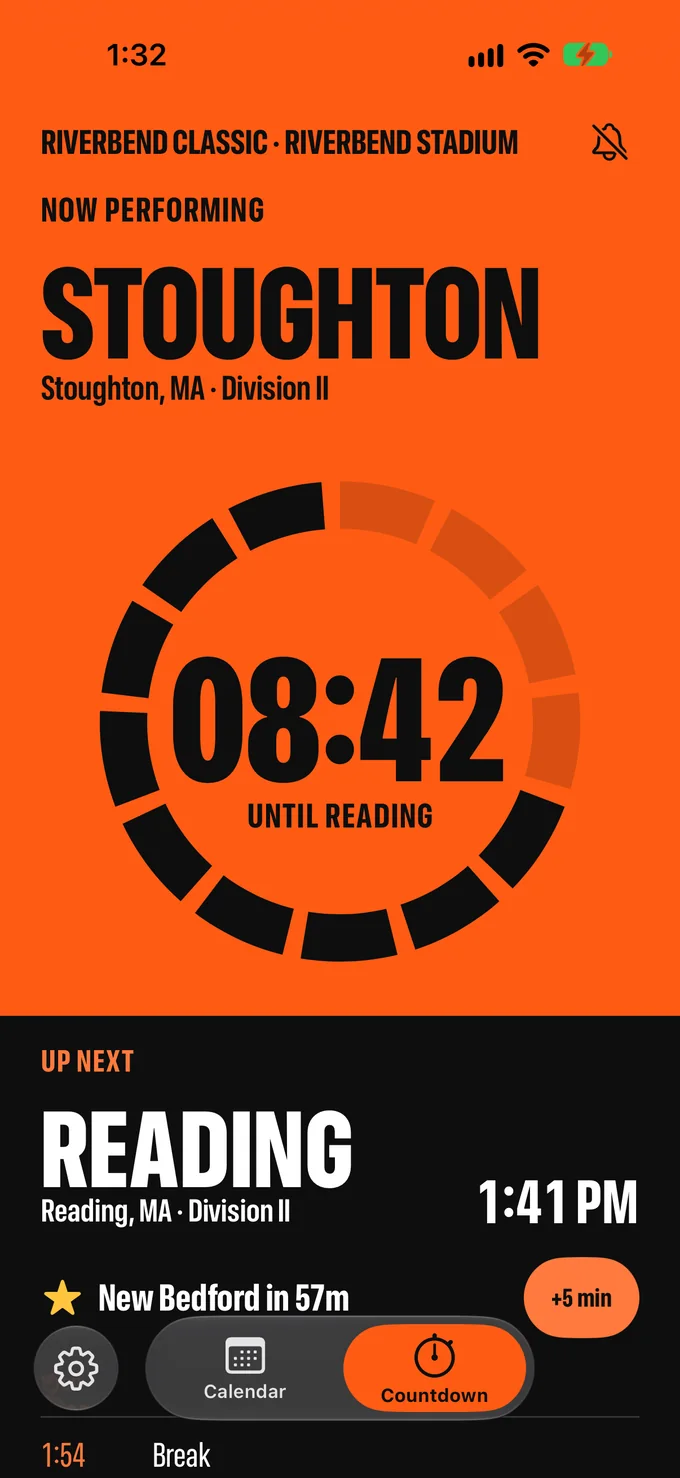
High-Vis
For reading at a distance.
Side by side on iPad
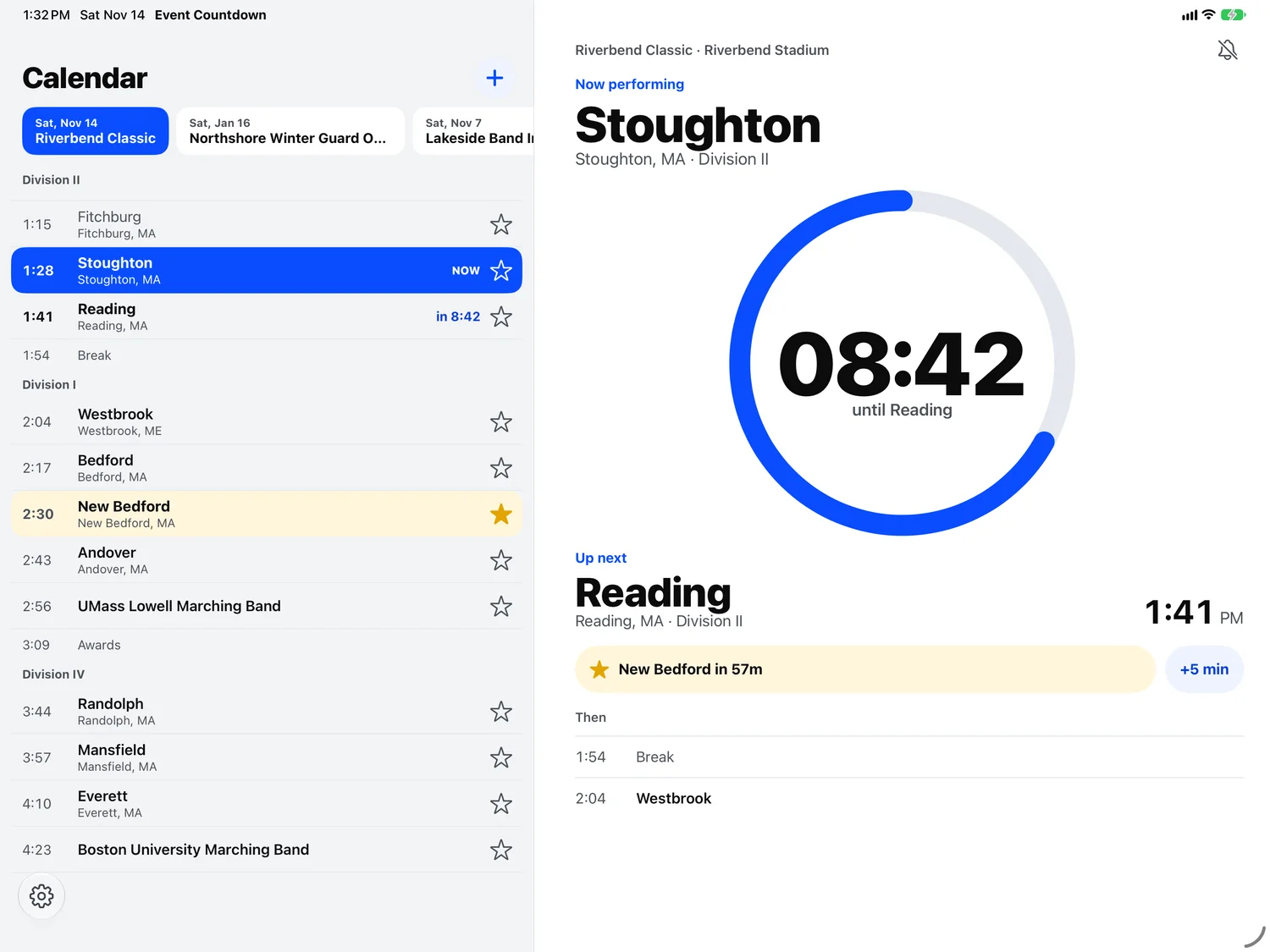
iPad shows the Calendar and Countdown together. iCloud keeps your events, favorites and Schedule Sites in step on your own devices.
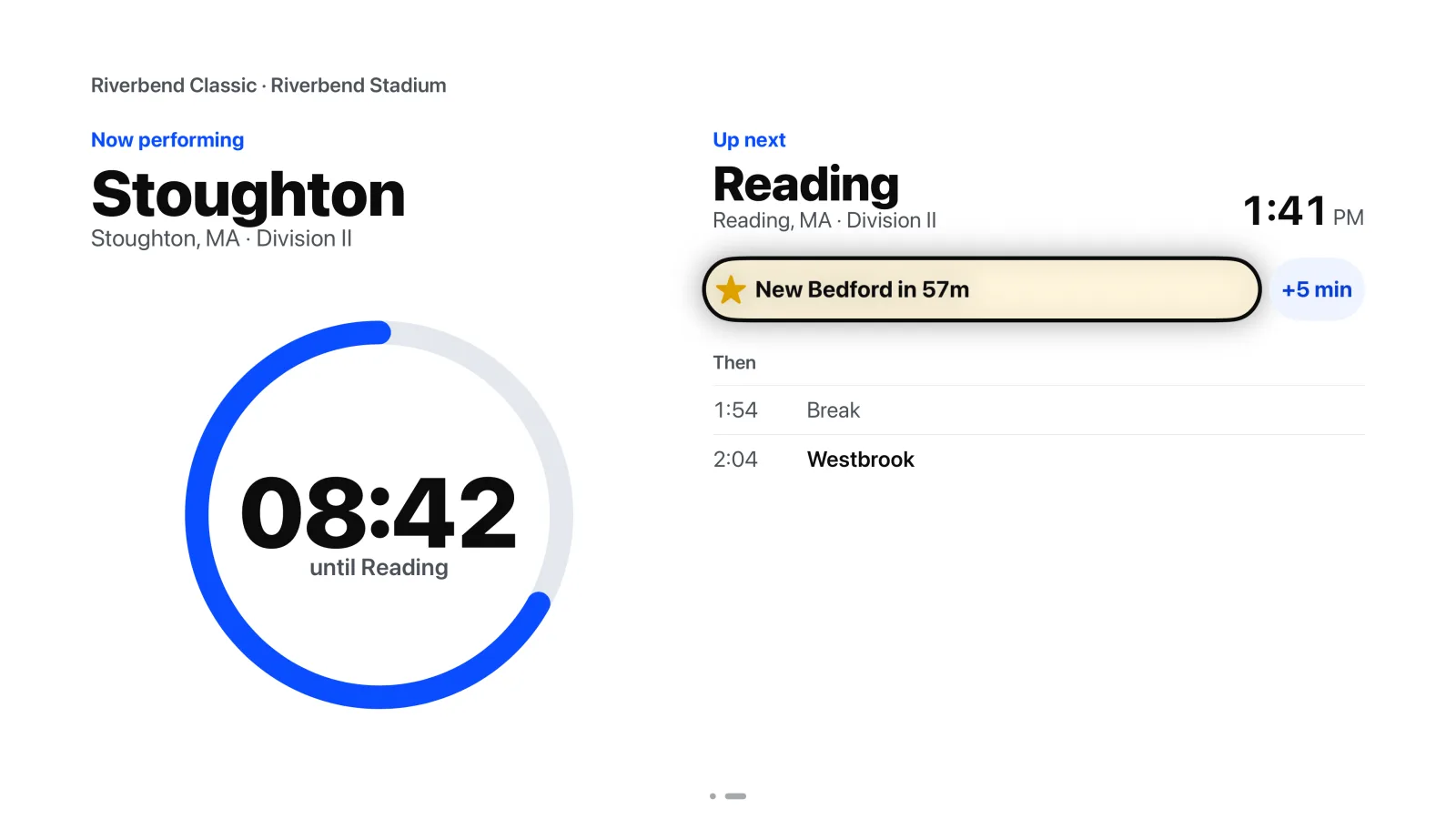
On the big screen with Apple TV
Apple TV shows the Calendar and the Countdown across the room. It is a viewer: add your events on your iPhone or iPad, and iCloud brings them and your favorites to the Apple TV. Move left and right between Calendar and Countdown, and click a team to make it a favorite.
No account, no tracking
There is nothing to sign up for. The app has no ads, no analytics and no tracking.